Android & Windows
RABEX
Browser
Your browser. Your way. Privacy-first browsing for your phone, and an early build for your desktop.
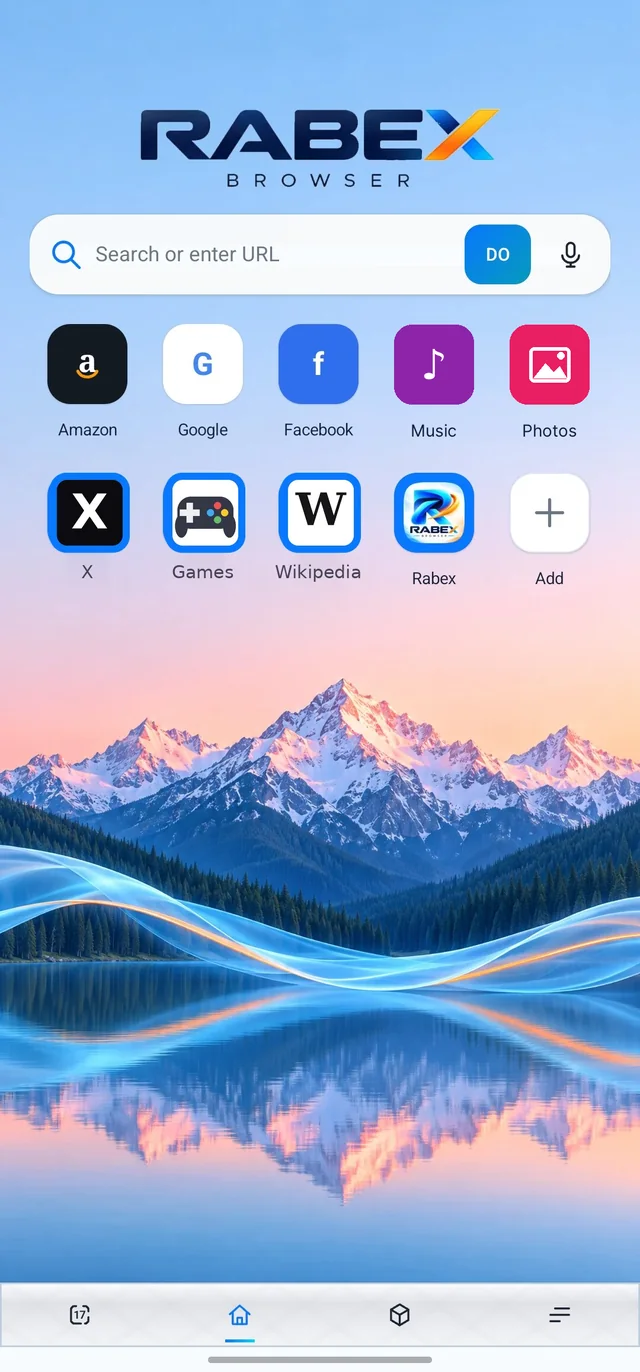
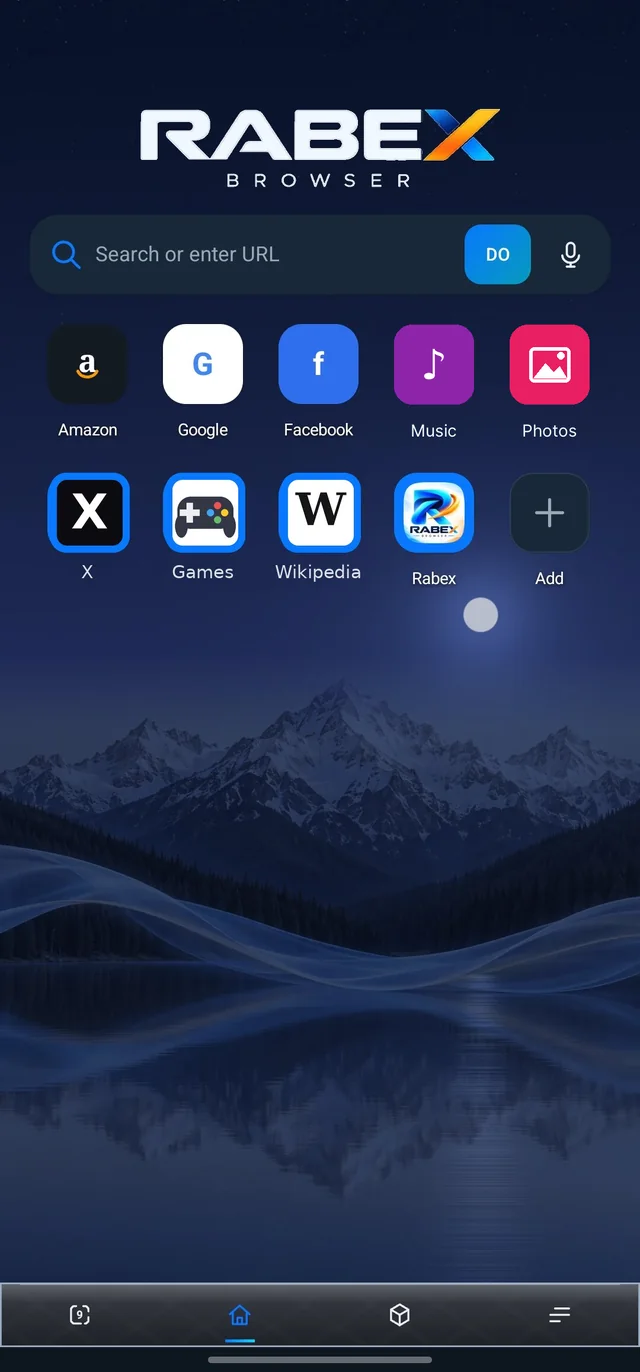
Speed dial · 01
One tap
away.
Search or type a web address, by voice too. Your favourite sites sit one tap away, with icons fetched automatically.
Tabs · 02
Tabs
that fly.
Every open tab at a glance. Incognito tabs keep their cookies and site storage apart.
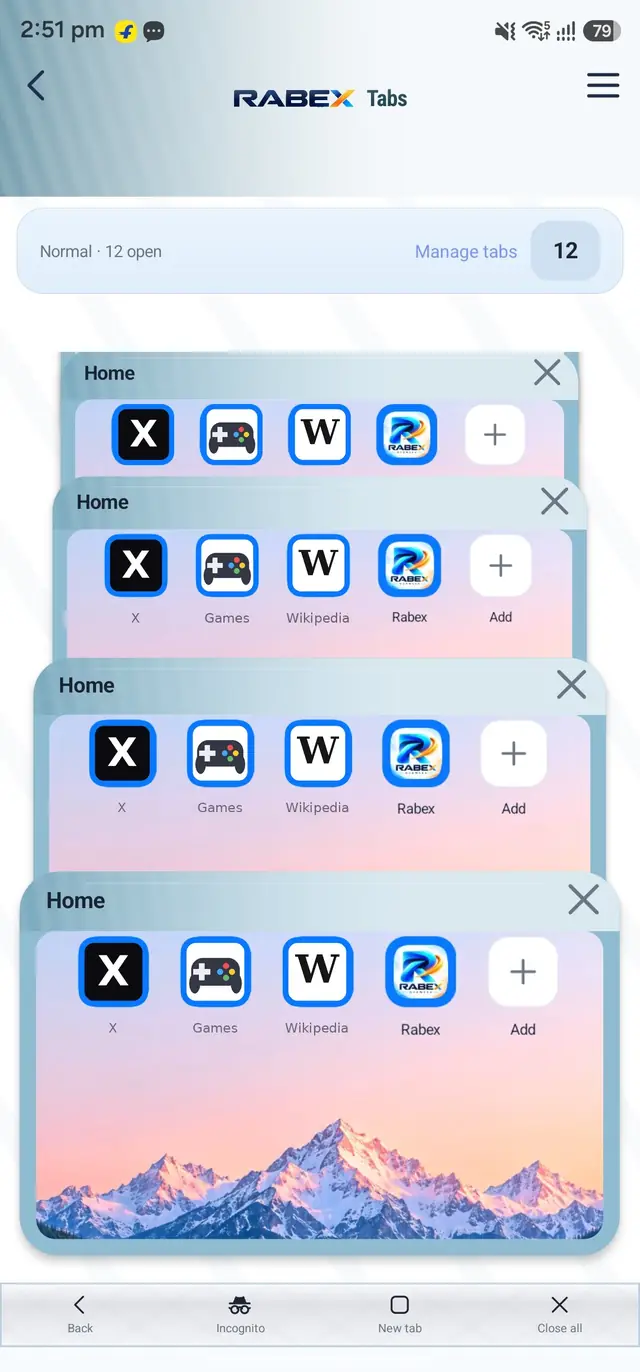
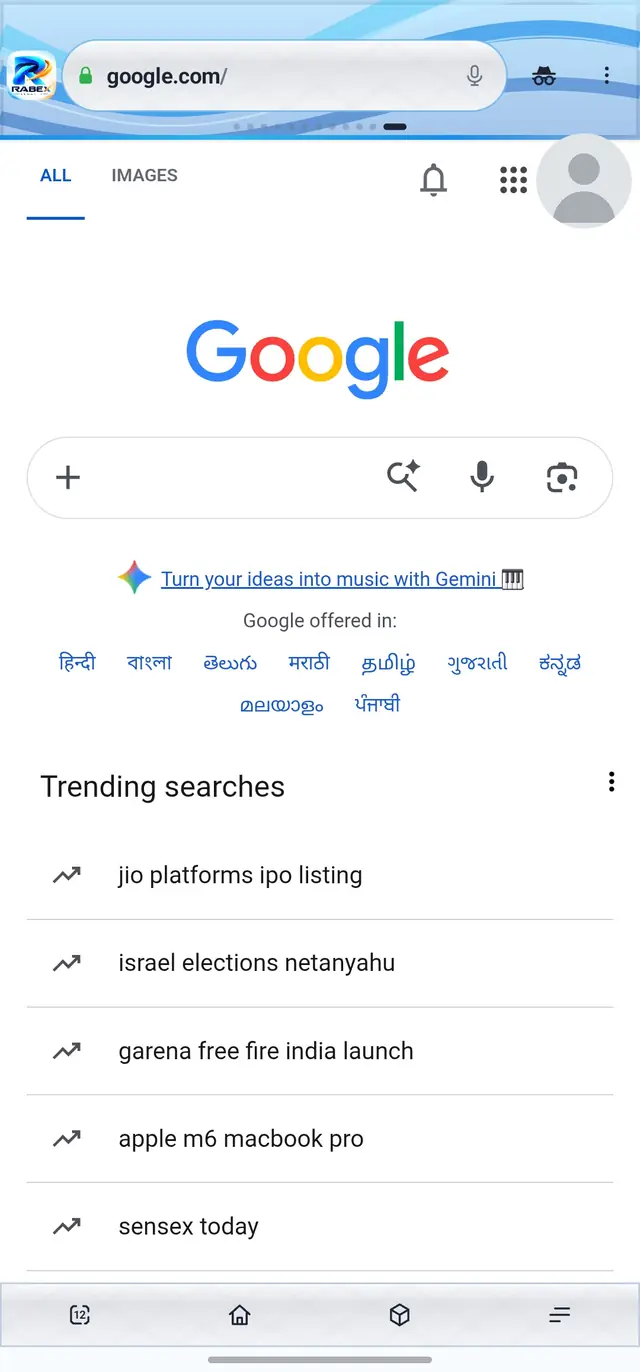
Ad Shield · 03
Ads?
Blocked.
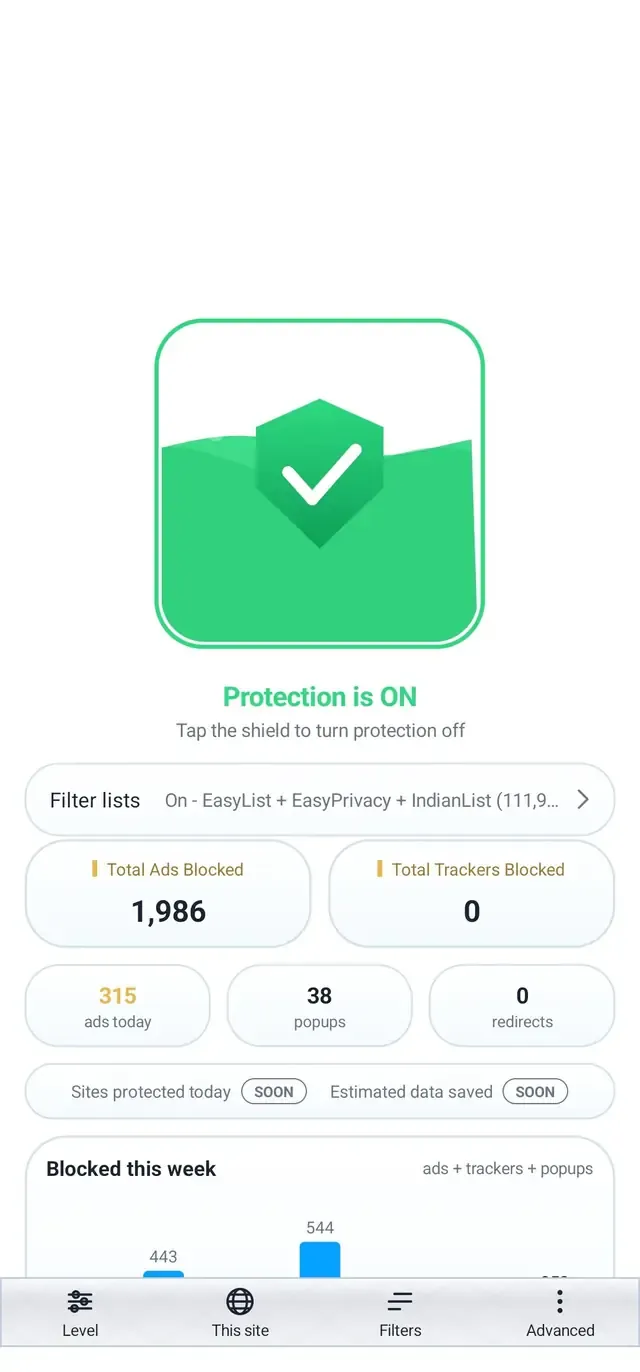
Browser-request filtering for known ad and tracker hosts, with per-site controls.
Themes · 04
Make it
yours.
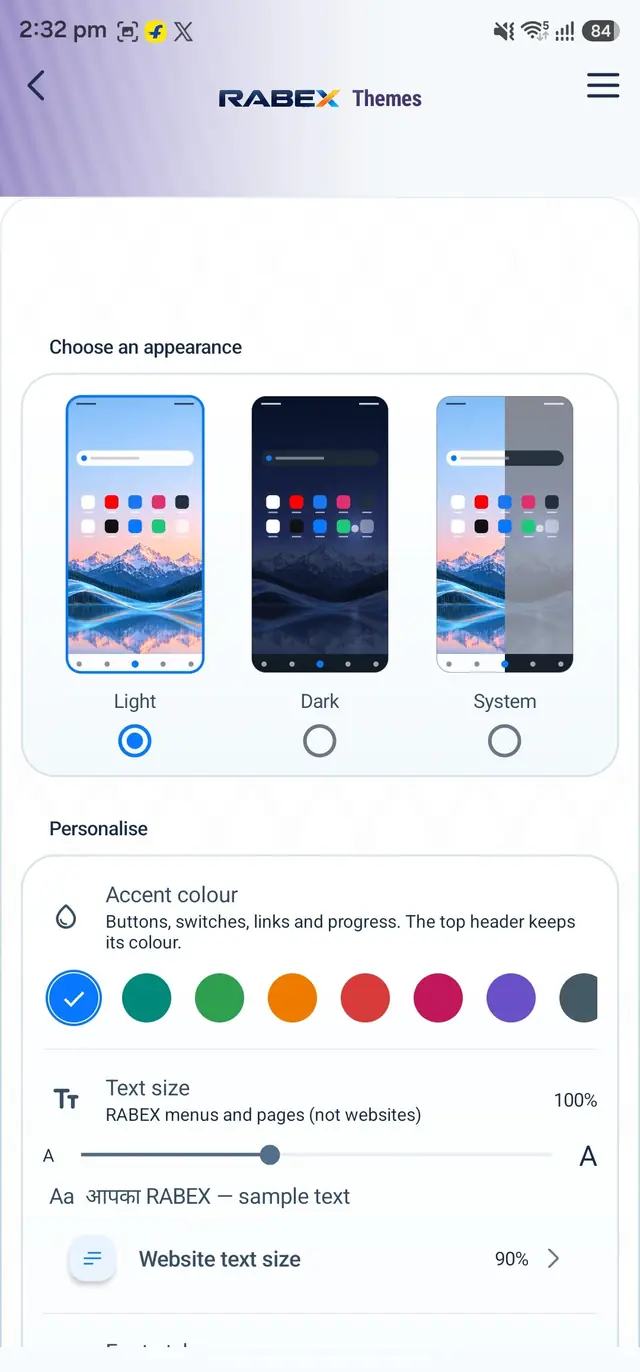
Wallpapers and looks that are yours.
Day & night · 05
Light by day.
Dark by night.
Switch the whole browser between a light and a dark look.
My Tools · 06
Six tools,
built in.
Password Manager, QR codes, a media player, a speed test, Private Space and PDF tools, right on the home screen.
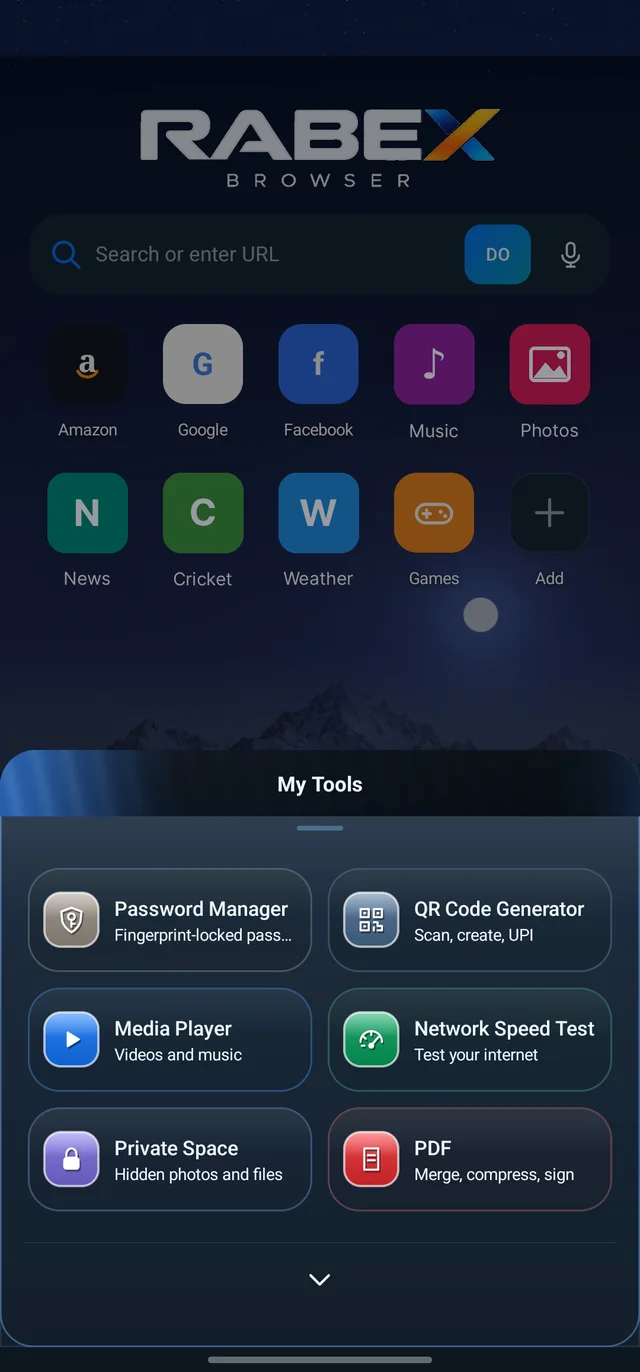
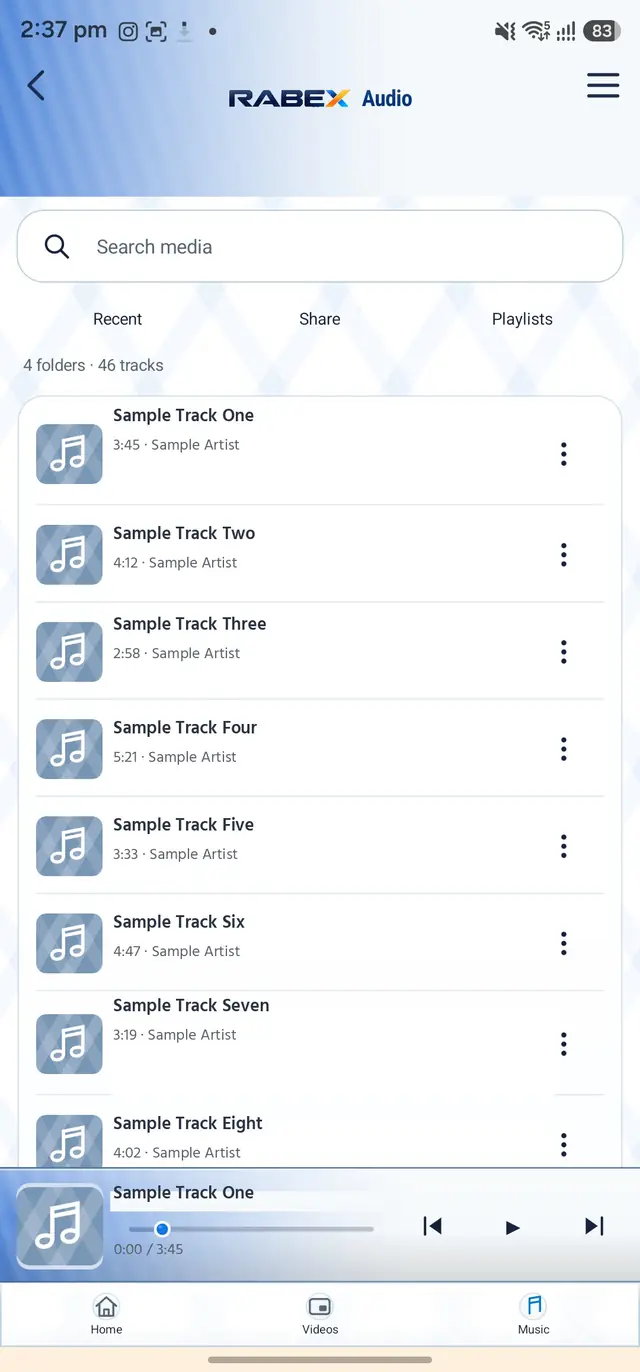
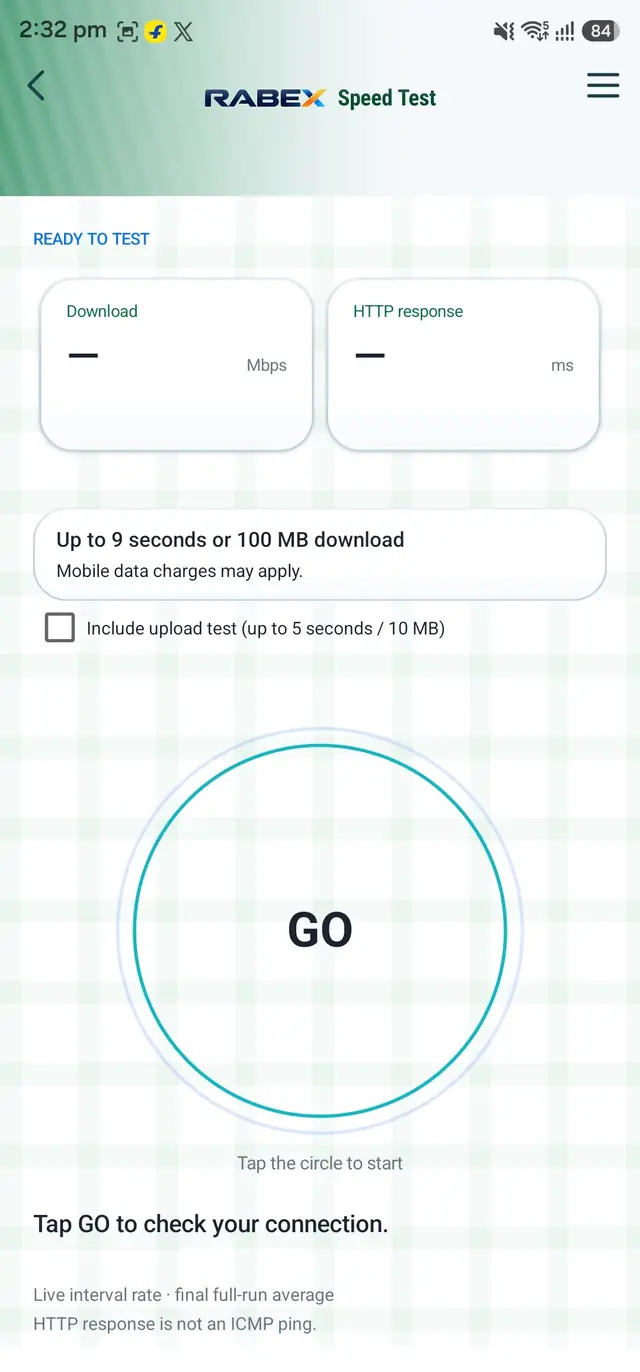
The app home screen with My Tools open: six tools, one tap away. Shortcut tiles are your own and can be changed.
Passwords, fingerprint-locked
Keep your passwords in the app, locked with your fingerprint.
Scan, create, UPI
Scan QR codes, make your own, and create UPI QR codes.
Your videos and music
Play the videos and music on your phone, with a music queue, Equalizer and Sleep Timer, and video speed, lock, fullscreen and picture-in-picture.
Test your internet
Tap GO for a download-speed estimate, calculated on your phone.
Hidden photos and files
Keep photos and files in a PIN-protected space inside the app.
Merge, compress, sign
Merge PDF files, make them smaller, and sign them.
Privacy · 07
Private by
design.
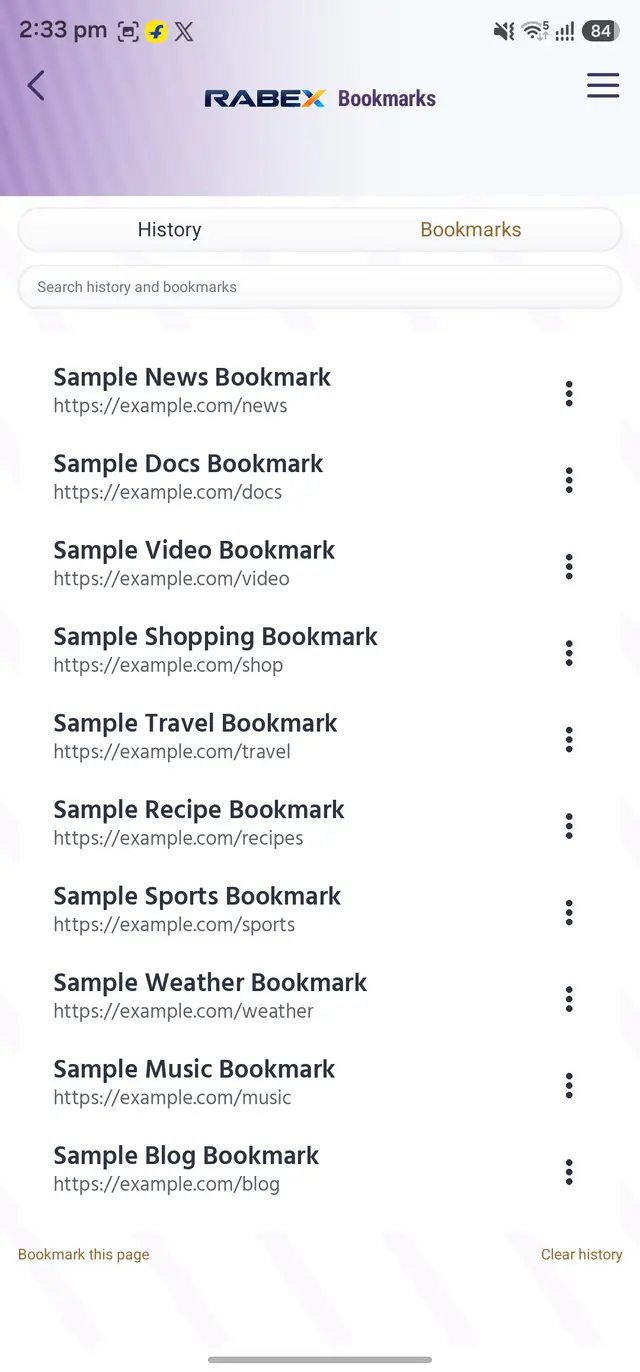
No RABEX account and no RABEX cloud sync. Bookmarks, history and notes stay on your phone.
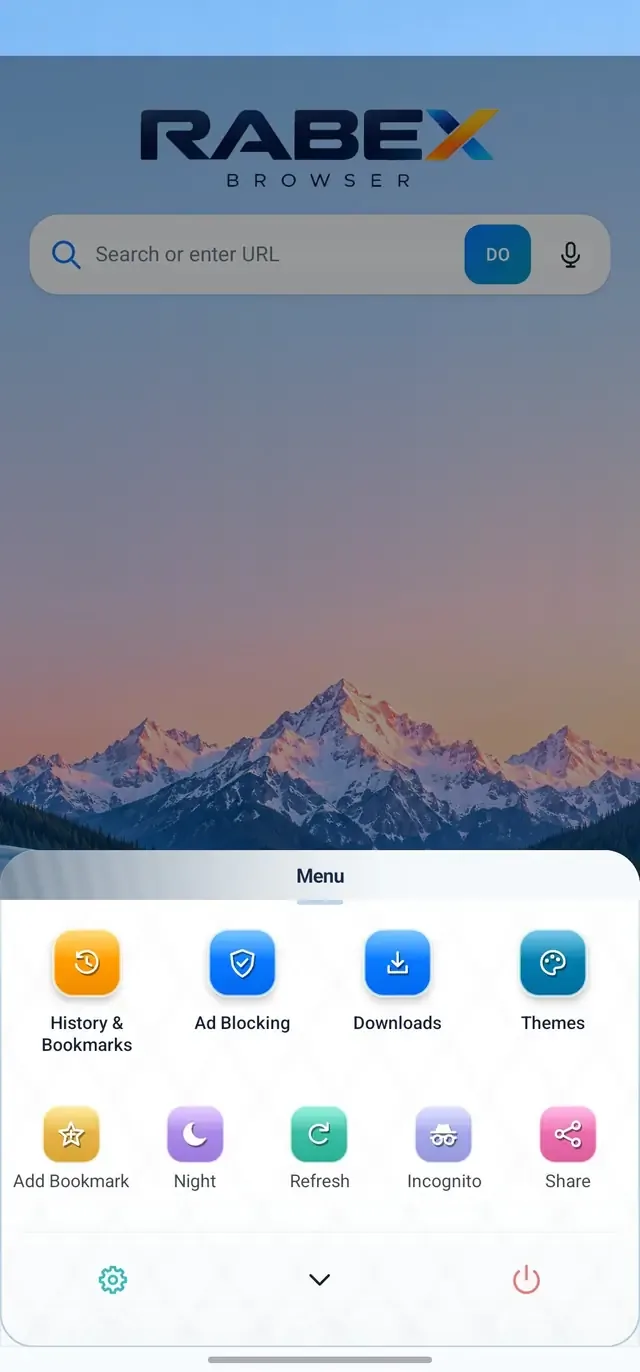
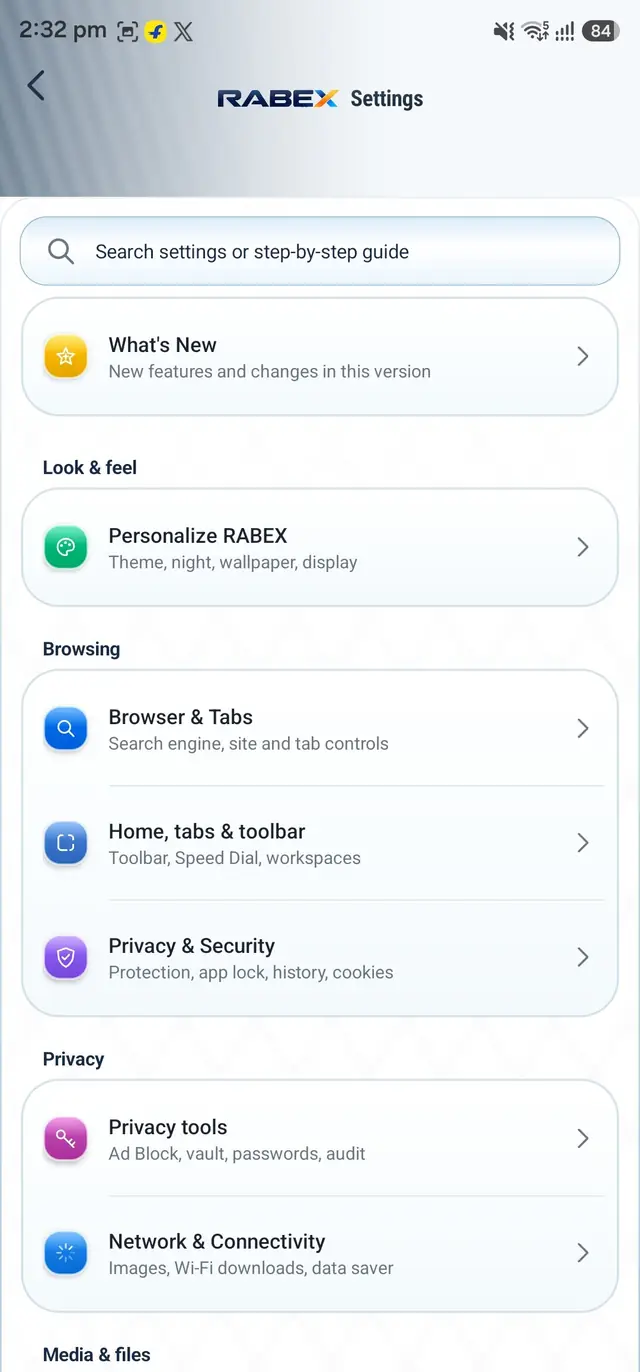
Incognito is private, not anonymous. Safety labels explain the connection; they are not a malware verdict.
Windows · 08
On Windows
too.
An early build 0.4.9 for testers: unsigned, no auto-update yet.
Desktop window shown is an illustration.
Download · 09
Get RABEX
Browser.
Official downloads, served from rabex.in.

Android
Android 7.0 or newer. Your phone may ask you to allow installs from your browser or file manager.
Downloadv1.0.453 · 57.4 MB · APK